B2B LinkedIn Creator Brief Template: Copy-Paste Briefs That Don’t Sound Like Ads
A practical, copy-paste LinkedIn creator brief template for B2B brands that want authentic posts, not salesy ads — plus examples, review tips, and CTA patterns.
Co-founder @anchors ; Disrupting a $23 billion Industry | NIFT New Delhi
TLDR
- Most LinkedIn creator briefs fail because they over-script and under-explain.
- Use a 7-part brief focused on context, audience, freedom, and one clear CTA.
- Copy-paste templates + light review rules keep posts authentic.
- Tools like anchors help scale creator briefs and tracking without manual chaos.
The fastest way to kill a great LinkedIn creator post? A bad brief.
This guide is written for B2B brands running LinkedIn creator campaigns — especially in SaaS, HRTech, EdTech, and services — who want results without killing creator authenticity. If your creator posts read like ads, the problem is usually not the creator. It’s the brief.
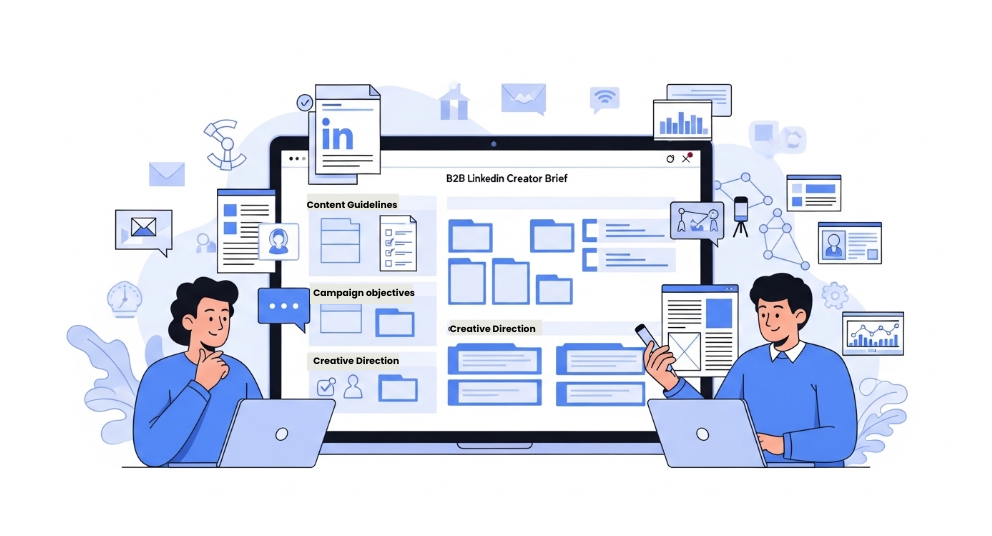
People searching for a “LinkedIn creator brief template” are usually close to action. They already believe in creator-led distribution. What they need is a brief that creators actually enjoy working with — and audiences that actually engage with.
This blog gives you a copy-paste B2B LinkedIn creator brief template, explains why most briefs fail, shows real-use examples (launch, lead gen, hiring), and shares review frameworks so you don’t over-edit the soul out of posts.
Why Most LinkedIn Creator Briefs Fail
LinkedIn is not a billboard. It’s a conversation platform. But most brand briefs treat creators like ad slots.
- Too prescriptive: Exact hooks, forced keywords, rigid structure.
- Too brand-heavy: “Mention our mission, vision, values, and 5 features.”
- No audience clarity: Creators don’t know who they’re speaking to.
- CTA overload: Link + demo + comment + DM — all in one post.
- No success definition: Creators don’t know what “good” looks like.
The result? Posts that feel like ads, underperform in feeds, and damage creator trust.
The 7 Sections Every High-Performing LinkedIn Creator Brief Must Include
Below is a battle-tested structure you can reuse across campaigns. Keep it simple. Clarity beats cleverness.
1. Campaign Context (The “Why”)
Start with why this campaign exists. Not a pitch.
Example: We’re launching a new feature for mid-market HR teams who struggle with manual onboarding. This post helps them realize the cost of their current process.
Let's take an HRTech brand:
“We’re launching a feature that automates employee onboarding. Most mid-sized companies still do this manually. This post should make HR managers realize how much time they’re losing.”
Now the creator knows:
This is about pain awareness, not product promotion.
2. Target Audience (One Primary Persona)
Creators write better when they visualize one reader.
- Role (e.g. HR Manager, Founder, RevOps Lead)
- Company size (startup, SMB, mid-market)
- Main pain point they recognize
Avoid: “Anyone in HR / Tech / Business.”
Example (SaaS tool):
- Role: RevOps Manager
- Company: 50–200 employees
- Pain: Messy CRM data, poor pipeline visibility
Now the creator can literally imagine:
“I’m writing this for that one RevOps person drowning in spreadsheets.”
3. Creator Freedom Zone (What NOT to Script)
Explicitly tell creators where they have freedom.
- Use your own voice and personal experience
- Choose hook and story format
- You don’t need to praise the brand
This single section dramatically improves authenticity.
Example:
“You can share your own experience with messy onboarding processes. No need to directly praise the product. Use your own storytelling style.”
4. Key Talking Points (Not Copy)
Limit this to 3–4 bullets. These are ideas, not lines.
- The problem you’ve seen personally
- Why most solutions fail
- What changed after discovering this approach
- Who this is actually useful for
Example (HRTech onboarding tool):
- Manual onboarding leads to errors and delays
- Most tools are too complex for mid-sized teams
- Simpler workflows improve employee experience
- This is useful for teams scaling hiring quickly
Now the creator builds a story like:
“We hired 20 people in 3 months… and onboarding broke.”
Instead of:
“Here are 5 features of our product.”
5. Proof & References (Optional)
Share assets only if helpful.
- Landing page or product page
- Short demo clip or screenshots
- Customer quote (optional, anonymized)
Never force screenshots into the post.
Example:
- Short Loom demo (2 mins)
- Screenshot of onboarding dashboard
- One anonymized customer quote
Bad version:
“Forced screenshot inside carousel.”
Good version:
Creator decides whether proof fits their story.
6. CTA Pattern (Pick ONE)
LinkedIn works best with a single clear action.
- Link in post
- Comment keyword (e.g. “comment GUIDE”)
- DM me for details
We’ll cover CTA patterns later in detail.
Example breakdown:
- Link CTA:
- “Try it here” → works when audience already understands problem
- Comment CTA:
- “Comment ‘ONBOARDING’ and I’ll share the guide” → boosts reach
- DM CTA:
- “DM me if you’re fixing this internally” → works for high-ticket SaaS
Example mistake:
A SaaS brand uses all 3 → post feels pushy → lower conversions.
7. Success Definition & Constraints
Close the brief with clarity.
- Primary goal (awareness, leads, hiring)
- What to avoid (pricing, competitors, claims)
- Timeline for draft and go-live
Example (Lead gen campaign):
- Success = qualified demo requests
- Avoid: pricing discussion, competitor comparison
- Timeline: draft in 3 days, post in 7 days
Now both sides are aligned.
Copy-Paste B2B LinkedIn Creator Brief Template
You can paste this directly into a Google Doc or Notion.
Campaign context: Why are we running this campaign? What problem are we highlighting?
Target audience: Who is this post for? Be specific about role and pain point.
Creator freedom: Use your own voice, story, and structure. No need to sound like an ad or praise the brand.
Key talking points (pick what fits your story): - The problem you’ve personally seen - Why common solutions don’t work - What changed after discovering this - Who this is most useful for Proof or references
(optional): Links, demos, or notes if helpful.
CTA (choose one): Link / Comment keyword / DM Success
definition: What a good post looks like + anything to avoid + timelines.
Realistic Brief Examples
Example 1: Product Launch
Objective: Awareness and curiosity.
Creator type: SaaS operator creator (~12k followers).
Angle: “What I learned after fixing this workflow problem.”
Success: Strong discussion, saves, and profile clicks.
Example 2: Lead Generation
Objective: Qualified signups.
Creator type: RevOps or growth creator (~25k followers).
Angle: Mistakes teams make before buying tools.
Success: {{CTR}} and {{qualified_leads}} tracked via LinkedIn data.
Example 3: Hiring Campaign
Objective: Attract relevant candidates.
Creator type: Hiring manager or career-focused creator (~8k followers).
Angle: What great candidates actually look like.
Success: Relevant inbound interest, not volume.
Realistic B2B brand + campaign & fully filled LinkedIn creator brief
Brand:HireFlow (hypothetical)
Category: HRTech SaaS
Product: Employee onboarding automation platform
ICP: Mid-sized companies hiring 10–50 employees/month
Campaign Goal :
Generate qualified demo requests from HR managers struggling with manual onboarding.
1. Campaign Context (The “Why”)
We’re running this campaign to highlight how broken onboarding processes become when teams start scaling hiring.
Most mid-sized companies still manage onboarding through spreadsheets, emails, and scattered tools — which leads to delays, missed steps, and poor employee experience.
This post should help HR managers recognize the inefficiency in their current process before introducing a better way to handle it.
2. Target Audience (One Clear Persona)
- Role: HR Manager / People Ops Lead
- Company size: 50–300 employees
- Current situation: Hiring has increased recently
- Pain point: Managing onboarding manually across multiple tools (docs, emails, Slack, spreadsheets)
- What they already feel: “This process is messy but we haven’t fixed it yet”
3. Creator Freedom Zone
- Use your own voice, tone, and storytelling style
- You can base this on personal experience or observed patterns
- You do NOT need to praise the product
- You do NOT need to sound like an ad
- Choose your own hook and structure
The post should feel like a real LinkedIn story or insight, not a promotion.
4. Key Talking Points (Use What Fits Naturally)
- Onboarding becomes chaotic when hiring scales
- Most teams underestimate how much time is lost in manual coordination
- Common issues: missed tasks, poor communication, inconsistent experience
- A structured onboarding system can save time and improve employee experience
- This is especially useful for teams hiring frequently
Important : These are themes, not lines to copy.
5. Proof & References (Optional)
Use only if it fits naturally into your content:
- Product page: [link]
- Short demo (2 min walkthrough): [link]
- Example: “Teams reduced onboarding time by ~40%” (optional stat)
No need to force screenshots or product visuals.
6. CTA:
Primary CTA: DM-based
“DM me ‘ONBOARDING’ and I’ll share more details.”
Reason:
This is a high-consideration problem, so DM works better than direct links.
7. Success Definition & Constraints
What success looks like:
- Meaningful comments from HR professionals
- DMs from relevant audience (HR / People Ops)
- Quality over quantity
What to avoid:
- Over-promising results
- Mentioning pricing
- Comparing competitors
- Making the post sound like an ad
Timeline:
- Draft: within 3 days
- Feedback: 1 round max
- Go-live: within 7 days
CTA Patterns That Actually Work on LinkedIn
- Link CTA: Best for demand capture when awareness already exists.
- Comment keyword: Boosts reach and starts conversations.
- DM CTA: Best for high-consideration B2B offers.
Never mix all three in one post.
How to Review Drafts Without Killing Authenticity
- Review for accuracy, not tone.
- Check if the problem is clear in the first 3 lines.
- Ensure CTA is visible and natural.
- Remove brand fluff, not creator voice.
- Limit feedback to one round.
Creators perform better when they feel trusted.
Where anchors Fits In
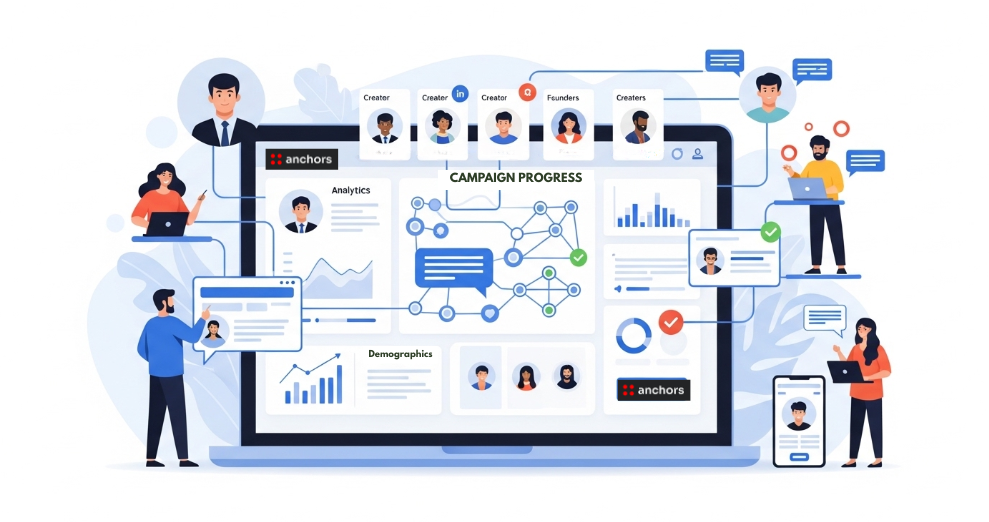
Managing briefs manually across multiple creators gets messy. Platforms like anchors help brands standardize briefs, match with the right LinkedIn creators, and track performance using verified LinkedIn data — so creator marketing feels closer to running ads, not spreadsheets.
For teams scaling LinkedIn creator campaigns, this reduces back-and-forth and keeps briefs consistent without sounding robotic.
Book a demo if you want a managed setup instead of DIY coordination.
Explore More Articles
Discover our latest insights on SEO, content marketing, and digital strategy. Explore our curated collection of articles to enhance your digital presence.
← Scroll to explore more →